
Telemac Player turns your Fire TV device into a fast, elegant home for live TV, movies, series, catch-up, and your personal watchlist.
Designed for remote-control simplicity and big-screen comfort, Telemac Player brings together live channels, a full programme guide, on-demand content, smart search, My List, reminders, and flexible IPTV source management in one polished Fire TV experience.
What Telemac Player Does
Telemac Player is a premium-style IPTV player application for Amazon Fire TV and Android TV style viewing. It helps customers browse live channels, explore movies and series, view programme schedules, launch catch-up where supported by the provider, and organise the content they care about most.
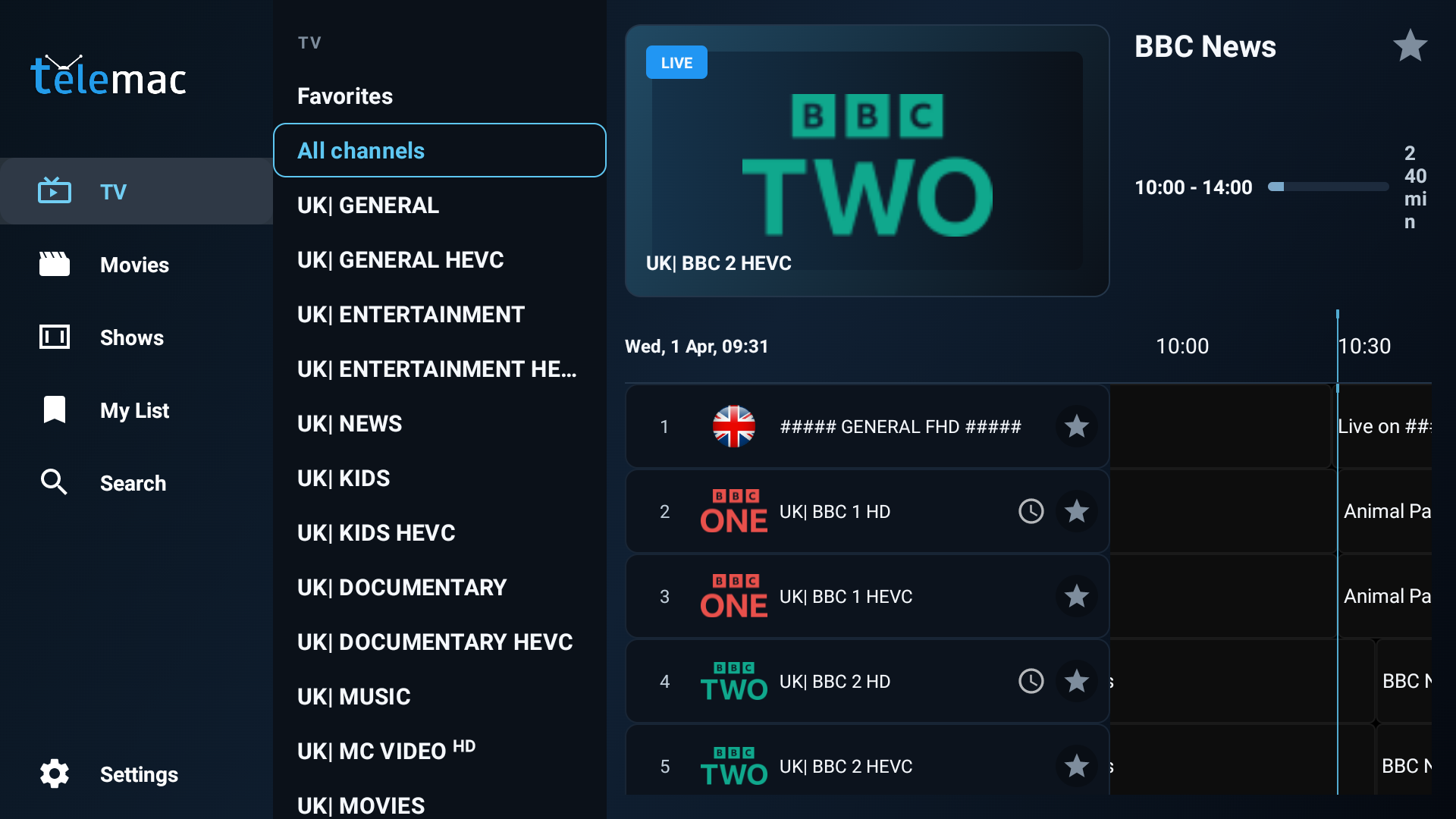
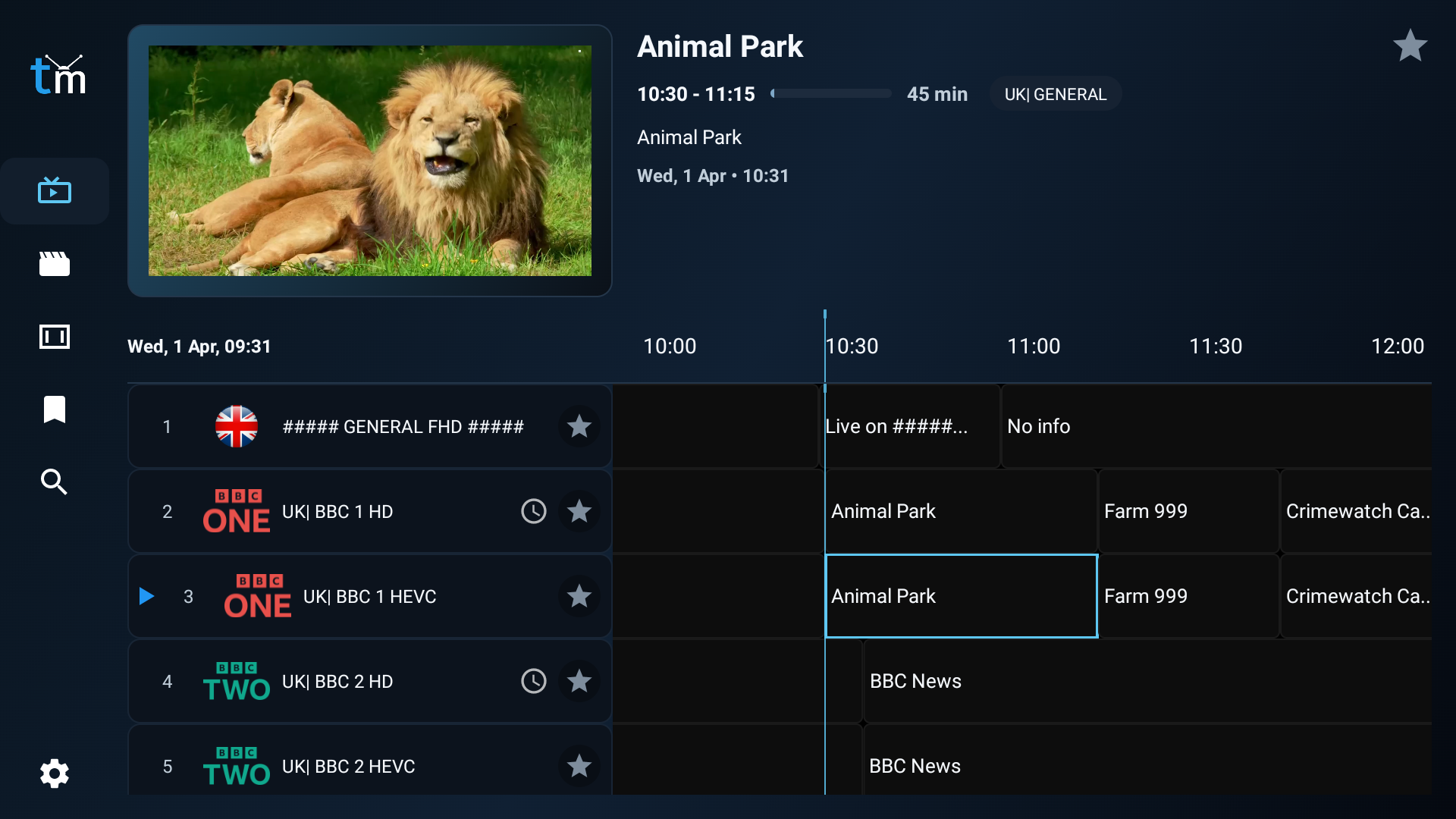
- Watch live IPTV channels in a clean TV-first interface with categories, logos, programme details, and a fast timeline guide.
- Browse now and next information, move through the guide timeline, and view programme titles, times, and descriptions.
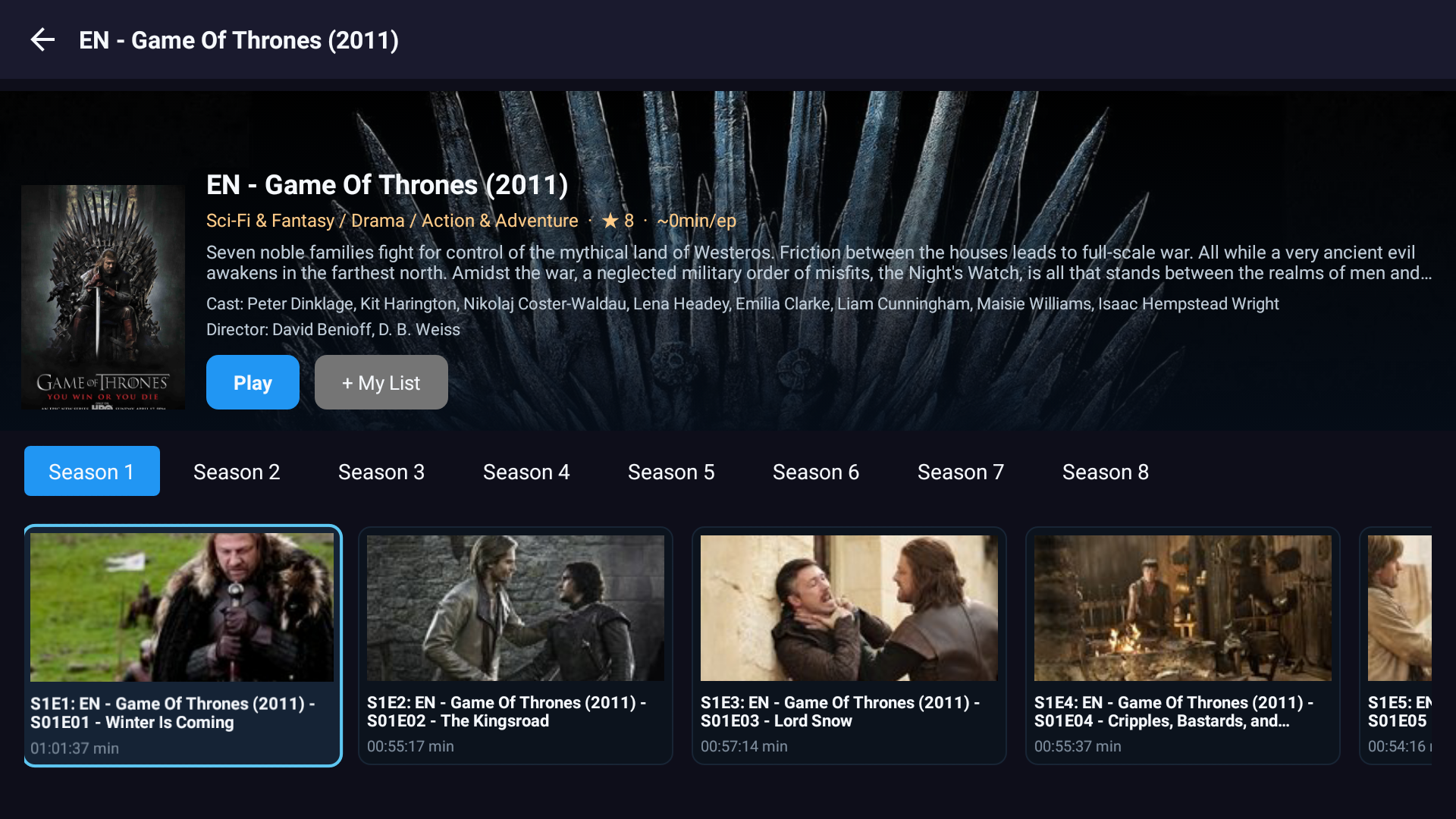
- Open dedicated Movies and Shows sections with poster artwork, detail pages, and direct playback.
- Launch catch-up programmes from past guide entries when your IPTV provider supports catch-up on that channel.
- Save channels, films, and series into My List and keep favourite channels close at hand.
- Search across live TV, movies, and series from one place instead of jumping between separate menus.
Live TV Features
The live TV experience is built around speed, visibility, and easy remote navigation.
- Category-based channel browsing for faster access to the content viewers watch most.
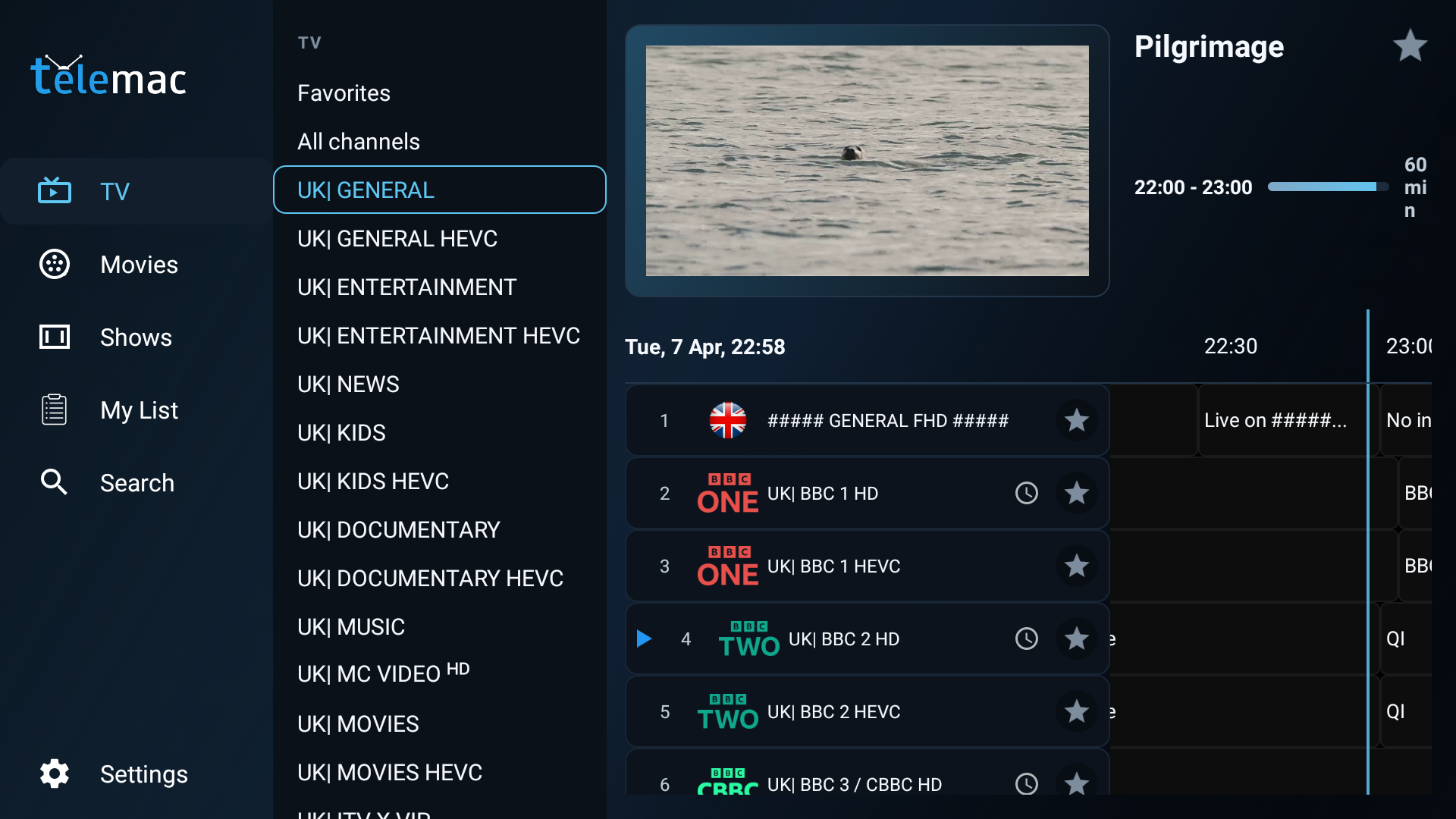
- Programme timeline with current and upcoming shows displayed directly on screen.
- Channel preview support so viewers can inspect content before opening full-screen playback.
- Favourite channel support for building a personal live TV shortlist.
- Channel information view including stream details, category details, and catch-up availability.
- Channel reordering tools for tailoring guide order to suit household preferences.
Movies and Series Features
Telemac Player is not limited to live channels. It also presents on-demand content in a way that feels natural on a television.
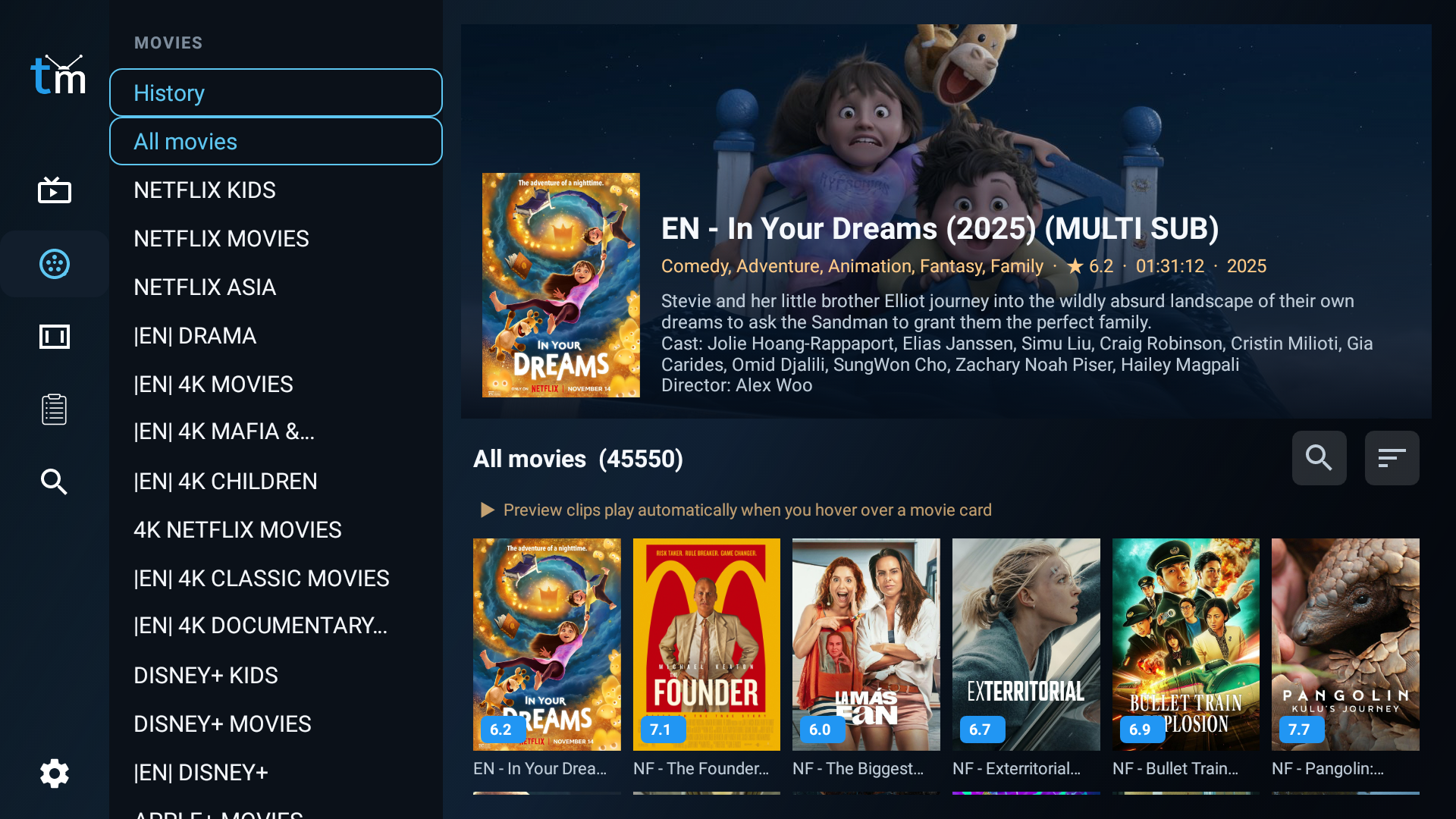
- Dedicated Movies section with poster grid browsing and content detail pages.
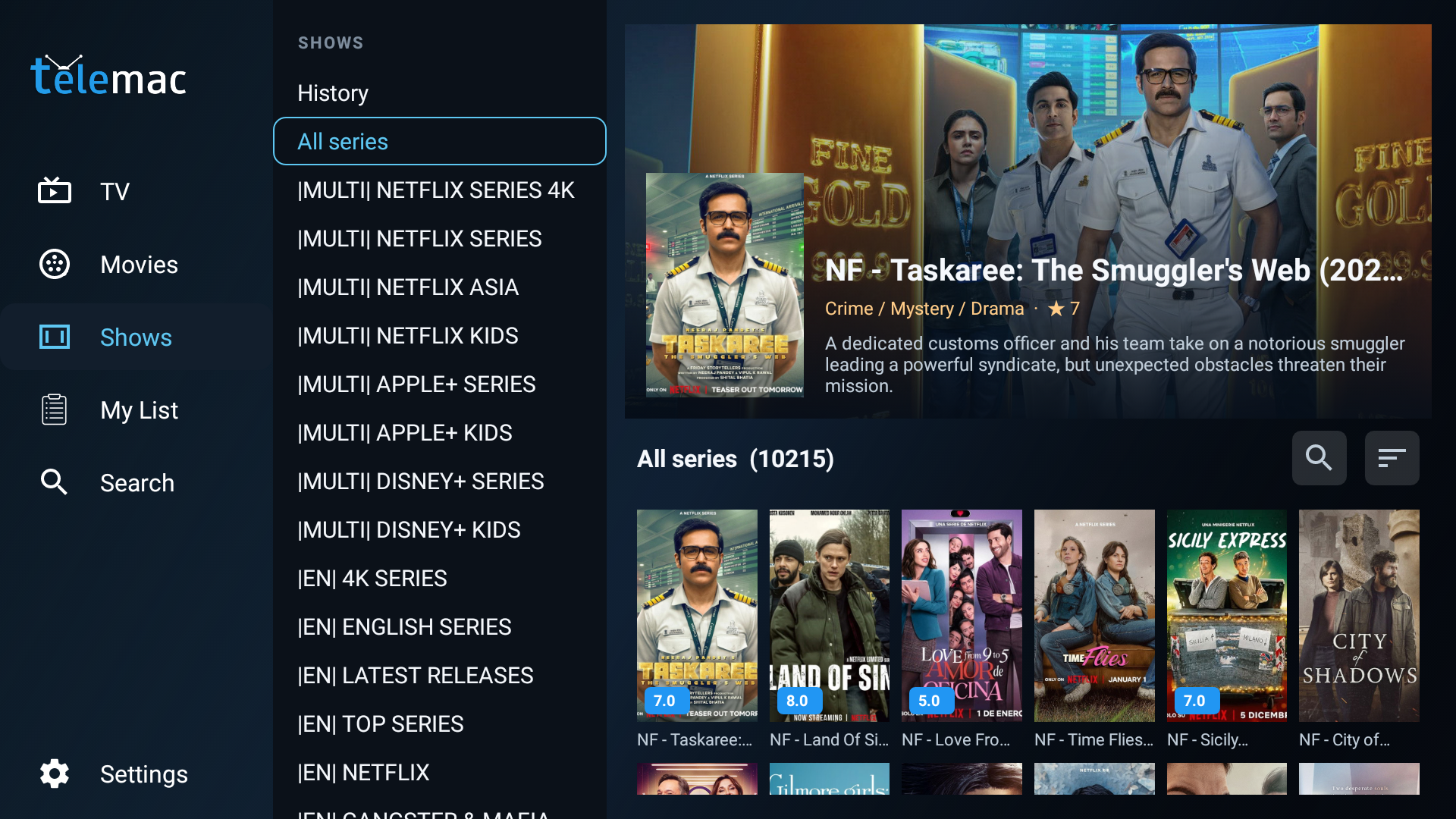
- Dedicated Shows section with season and episode browsing.
- Resume playback support for continuing films and episodes from the last watched position.
- Auto-play next episode option for smoother series watching.
- My List support for movies and series so viewers can build a personal library.
- Recent viewing support for quick return to content previously opened.
Search, My List, and Reminders
The application is designed to reduce browsing time and help viewers get back to content quickly.
- Unified search for channels, movies, and series.
- My List sections for channels, movies, and series.
- Backup and restore for My List and favourite channels, useful after reinstalling or moving devices.
- Programme reminders that let users save upcoming broadcasts and return at the right time.
- Recently watched access for getting back to familiar content faster.
Playback Experience
Playback is tuned for IPTV use on Fire TV, with settings users can adjust to suit their stream source and device.
- Full-screen player with overlay controls and channel rail browsing.
- Buffering indicator and stream error feedback to keep status visible.
- Resume playback setting for supported content.
- Auto-play next episode option for series sessions.
- Hardware or software decoder selection.
- Adjustable buffer size settings for different stream conditions.
Source Setup and IPTV Compatibility
Telemac Player gives customers a practical way to connect their own IPTV subscription details and keep their content organised.
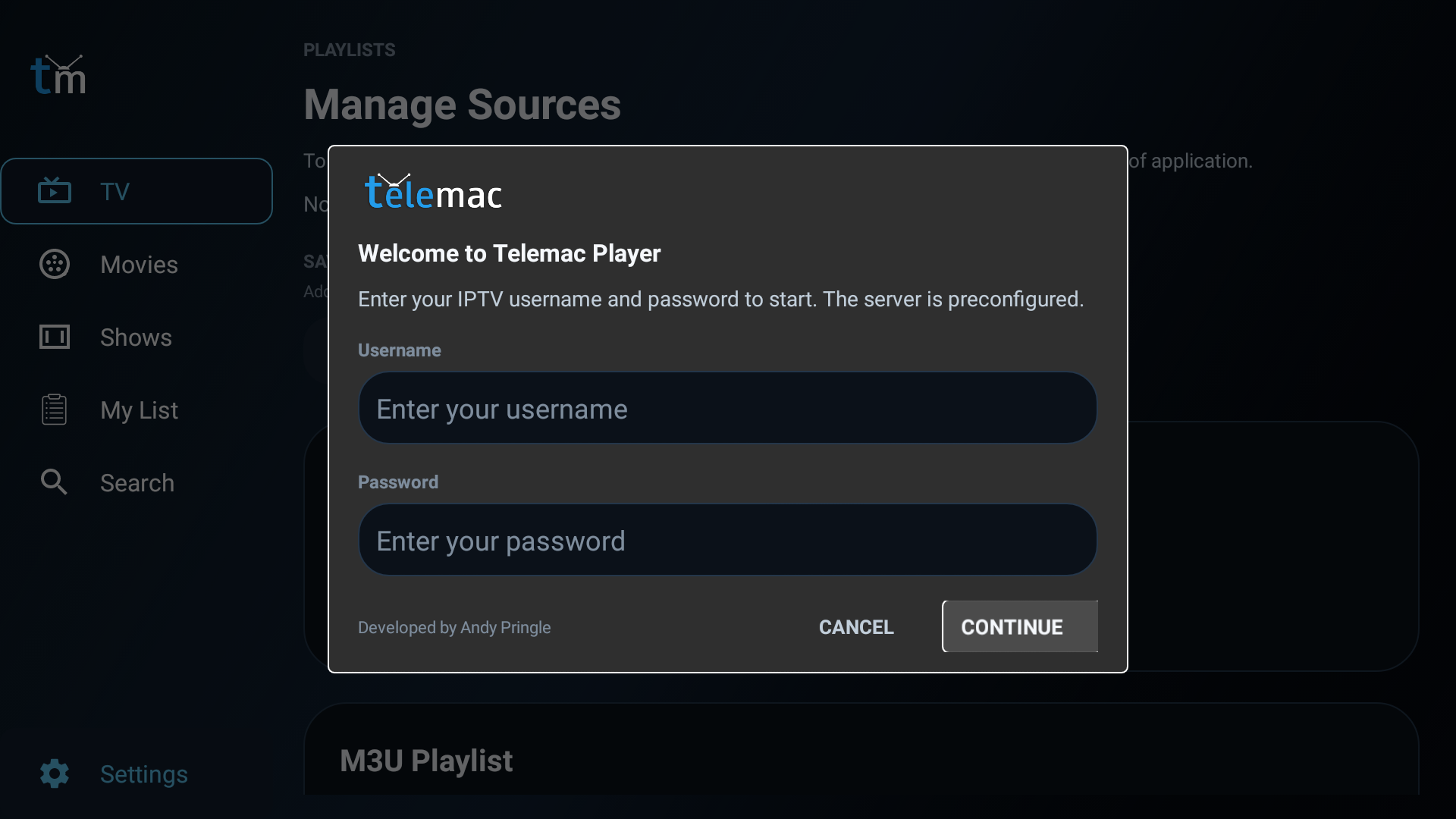
- Xtream Codes login support with server URL, username, and password.
- M3U playlist loading for compatible IPTV sources.
- Saved playlist management for adding, switching, updating, or removing sources.
- XMLTV EPG URL support for programme guide data.
- Additional EPG URL support for broader guide coverage.
- Playlist refresh and update workflow for keeping content current.
Important: Telemac Player is an IPTV player app. It does not include channels or content by itself. Users connect it to their own IPTV service.
Settings and Personalisation
The settings area gives users meaningful control without making the app feel complicated.
- Appearance settings for channel numbers, channel logos, and EPG preview on focus.
- Channel order controls to reorder the guide for personal viewing habits.
- EPG time offset adjustment if the guide line does not match local time.
- Catch-up day limit setting and optional force catch-up support toggle.
- Language selection for the app interface, including English, Dutch, French, Spanish, and German.
About, Updates, and Subscription Info
Telemac Player also includes management tools that help customers stay informed.
- About screen showing app version and loaded library counts.
- Subscription expiry information where available from the connected provider.
- Update checking and update prompts from within the app.
- Simple contact and inquiry options for subscription support.
- Quick start welcome setup flow so customers can begin using the app with minimal steps.
Why Customers Like It
Customers want an IPTV player that feels reliable on a television, not a phone app stretched onto a big screen. Telemac Player focuses on what matters most: fast browsing, clear structure, remote-friendly control, and easy access to both live and on-demand content.
- Optimised for Fire TV style navigation rather than touch-first layouts.
- Fast movement between live TV, VOD, search, and settings.
- Clear visual hierarchy for categories, channel details, guide data, and media artwork.
- Practical everyday features such as reminders, My List, favourites, recent viewing, and backup restore.
- Flexible source setup for households using Xtream Codes or M3U based services.
Screenshot Area 1: Home / Live TV Screen
Screenshot Area 3: Movies
Screenshot Area 2: Shows
Telemac Player gives Fire TV users one place to watch, browse, search, organise, and enjoy IPTV content with confidence.
Whether customers want live channels, catch-up, films, series, reminders, or a better way to manage playlists and favourites, Telemac Player delivers a focused television-first experience designed for everyday use.
Telemac Player Screenshots
Easy as this
How to Get your IPTV Account ?

1. Place your order
Choose the subscription plan that is right for you and Place Order

2. Get your IPTV Account

3. Enjoy Watching
Telemac IPTV Movies
Experience Movies
Tv for all
Watch a vast array of TV channels from anywhere in the world with our IPTV service, including the UK, USA, Canada, Portugal, Albania, Germany, Italy, France, Brazil, Romania, Greece, Spain, Ireland, Australia, Arabic, and many more
Support All Devices
We’re Compatible.
Stream your favorite channels on a variety of devices including Smart TVs, Amazon Firestick, MAG, Chromecast, Apple TV, Playstation, Xbox, and more.
Subscription Plans
Choose Your Plan and Enjoy Live Channels, Sports Channels, VOD, Series, and More of Your Favorites We will send your IPTV Account Via email between 5 min and 1 hour.