
How to Install IPTV on Firestick.
Installing IPTV on Firestick is mostly about picking the right player, preparing your device, and signing in with the details from your provider. Telemac IPTV Player is built for Fire TV and Android TV, so the process is straightforward: install the app, add your playlist or Xtream Codes login, connect your guide data if needed, and start watching through a remote-friendly interface.
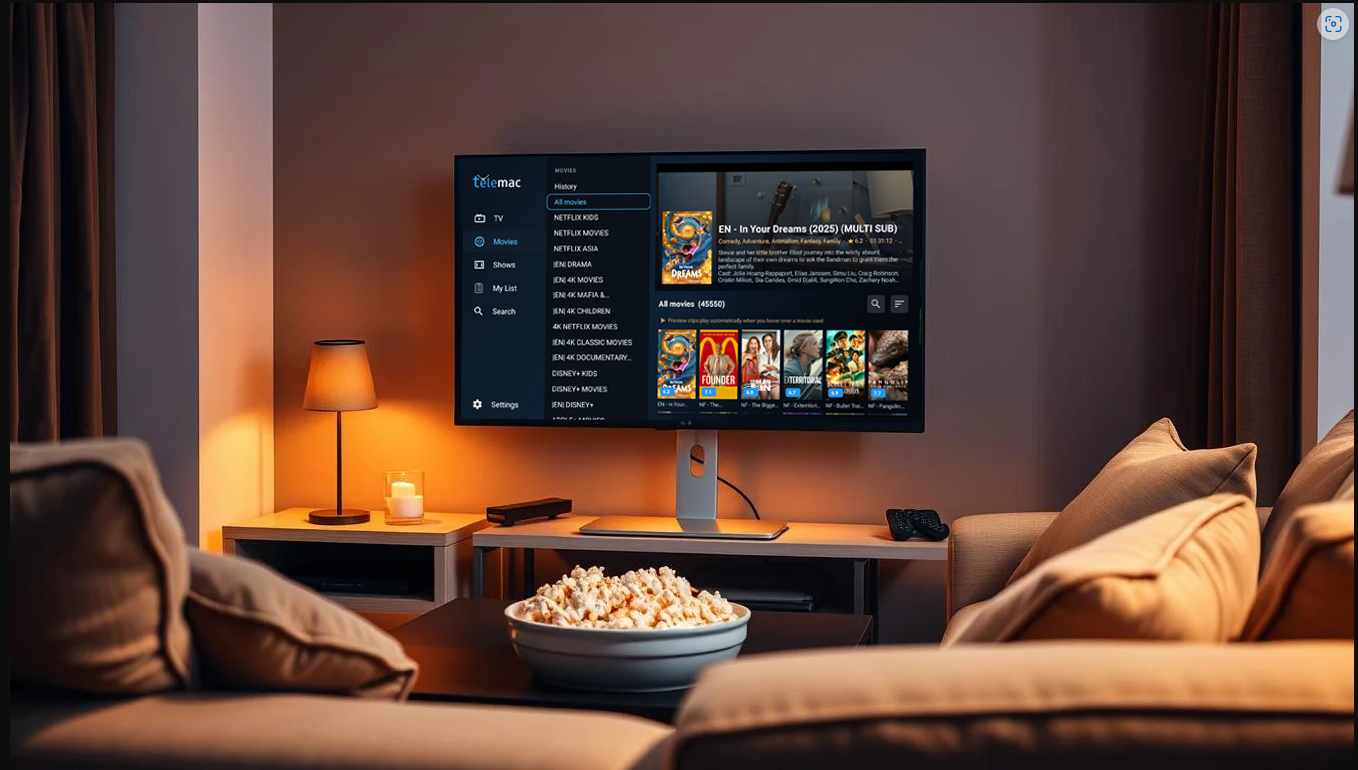
How to Install IPTV on Firestick
Installing IPTV on Firestick is mostly about picking the right player, preparing your device, and signing in with the details from your provider. Telemac IPTV Player is built for Fire TV and Android TV, so the process is straightforward: install the app, add your playlist or Xtream Codes login, connect your guide data if needed, and start watching through a remote-friendly interface.
What You Need Before You Start
Before installing any IPTV player on Firestick, make sure you have the essentials ready. That prevents failed setups, missing EPG data, and repeated trips through the settings menu.
- 1A Fire TV Stick or Fire TV device connected to the internet.
- 2Your IPTV service details, usually an M3U URL or Xtream Codes server, username, and password.
- 3An XMLTV EPG link if your provider gives one and you want programme guide data.
- 4Access to your website, download page, or the Appstore listing for the IPTV player you want to use.
Install the IPTV player
Open the Amazon Appstore on Firestick and search for your chosen player. If you distribute directly, open Downloader or Silk Browser and go to your official download page to get the latest installer.
Allow the install if needed
If you are using Downloader or a browser-based installer, go to Settings, My Fire TV, Developer Options, and allow installs for the app you are using to download the file.
Open the player and add your service
Launch Telemac IPTV Player, choose M3U or Xtream Codes, enter your provider details, then import guide data if you have an XMLTV link.
Best Way to Add IPTV to Firestick
The easiest route is to use an IPTV player that already understands the formats providers actually send. Telemac IPTV Player supports the two most common methods, which keeps setup simple.
- 1Use an M3U URL if your provider gives you a playlist link.
- 2Use Xtream Codes if your provider sends a server URL, username, and password.
- 3Add XMLTV EPG data so the guide shows current and upcoming programmes.
- 4Save favourites after import so your main channels are faster to reach.
Why Firestick Users Choose Telemac IPTV Player
Some IPTV apps technically work on Firestick but still feel awkward because they were designed for phones or generic Android boxes. Telemac IPTV Player is different because it is focused on television-first navigation.
- 1It is designed around D-pad control, focus states, and readable TV layouts.
- 2It brings together live TV, movies, series, search, favourites, and reminders in one interface.
- 3It supports common IPTV login methods without forcing complicated workarounds.
- 4It is suited to daily use, not just first-time setup.
FAQ: Installing IPTV on Firestick
Do I need Downloader to install IPTV on Firestick?
Not always. If the app is available in the Amazon Appstore, you can install it directly. Downloader is mainly used when you distribute the installer yourself through your website.
What details do I need from my provider?
You usually need either an M3U playlist URL or Xtream Codes credentials. For full guide support, ask for an XMLTV EPG link as well.
Can I use IPTV on any Firestick model?
Yes, as long as the device is supported and connected. Performance is best when you use a player built for TV hardware and remote navigation.
What is the easiest player for beginners?
A player with Fire TV-focused navigation, clear setup options, playlist support, and EPG compatibility is usually easiest. That is the approach Telemac IPTV Player takes.
Ready to install IPTV on Firestick the easier way?
Use Telemac IPTV Player for a cleaner Fire TV setup with support for M3U playlists, Xtream Codes, XMLTV EPG data, favourites, and remote-friendly viewing.
Telemac Player
Experience Live TV, Movies and Series
Built for the sofa
Fire TV focused navigation with clear sections for TV, Movies, Shows, Search, My List, and Settings.
Works with your service
Connect through Xtream Codes or M3U playlists and load programme guide data with XMLTV EPG support.
Made for everyday viewing
Use favourites, reminders, recent viewing, previews, resume playback, and category browsing to get to content faster.